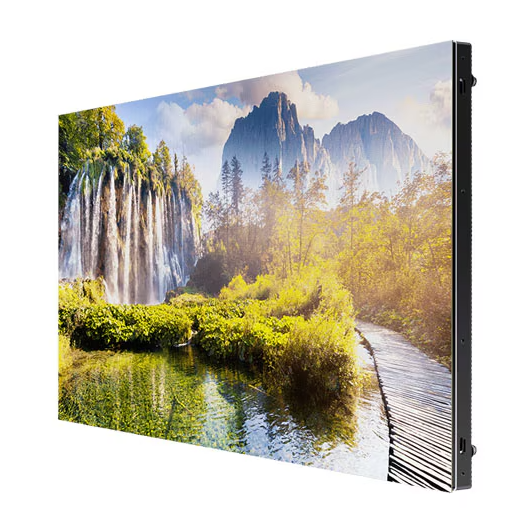

Flip Pro WM85B Interactive Display
Model: Flip Pro WM85B
As digitalization of education accelerates to enable impactful, interactive collaboration, Flip Pro gives educators the tools needed to deliver a new, advanced level of learning. With versatile connectivity, intelligent software and intuitive features, Flip Pro introduces the future of education.
Available
Flip Pro WM85B Interactive Display — Flip Pro WM85B
Unlimited learning possibilities.
As digitalization of education accelerates to enable impactful, interactive collaboration, Flip Pro gives educators the tools needed to deliver a new, advanced level of learning. With versatile connectivity, intelligent software and intuitive features, Flip Pro introduces the future of education.


Better interaction with best-in-class multi-touch
Fast & multi-touch
Flip Pro delivers industry-best latency at just 26ms, with prediction logic applied to ensure a realistic, smooth drawing experience with 2,048 points of pressure built directly into the display to unlock creativity. Plus, Flip Pro enables multi-touch for up to 20 people for enhanced interactivity.


*When using single touch.
Bring ideas to life in an instant
Intuitive writing & drawing
Ideas are brought to life instantly on Flip Pro with pen and brush mode that provides a real-world writing experience, while flexible erasing requires just a swipe of your finger or palm. The quick tool and palette menu ensure creativity flows and toggle button easily enables a new note layer UI.